Connect Game - Part 3: The Finish Line
The Finish Line
Well, this is the end — or to be more frank, I do not want to sink any more time into this. 😄
The project is finished, fully working, and alpha-tested.
Revision 1.2 finally behaves exactly as expected. No more humming buzzers, no more ghosting. Just clean, solid gameplay.
Two Ways to Play
The hardware is done, so I spent some time polishing the firmware. The device now supports two distinct modes, making it versatile for different LARP scenarios.
Mode 1: The Quick Reflexes
In this mode, the OLED display throws random pairs of GPIOs at the player (e.g., L1 <-> P4). You have a ticking clock and one wire. Connect them fast enough, and you move to the next pair.
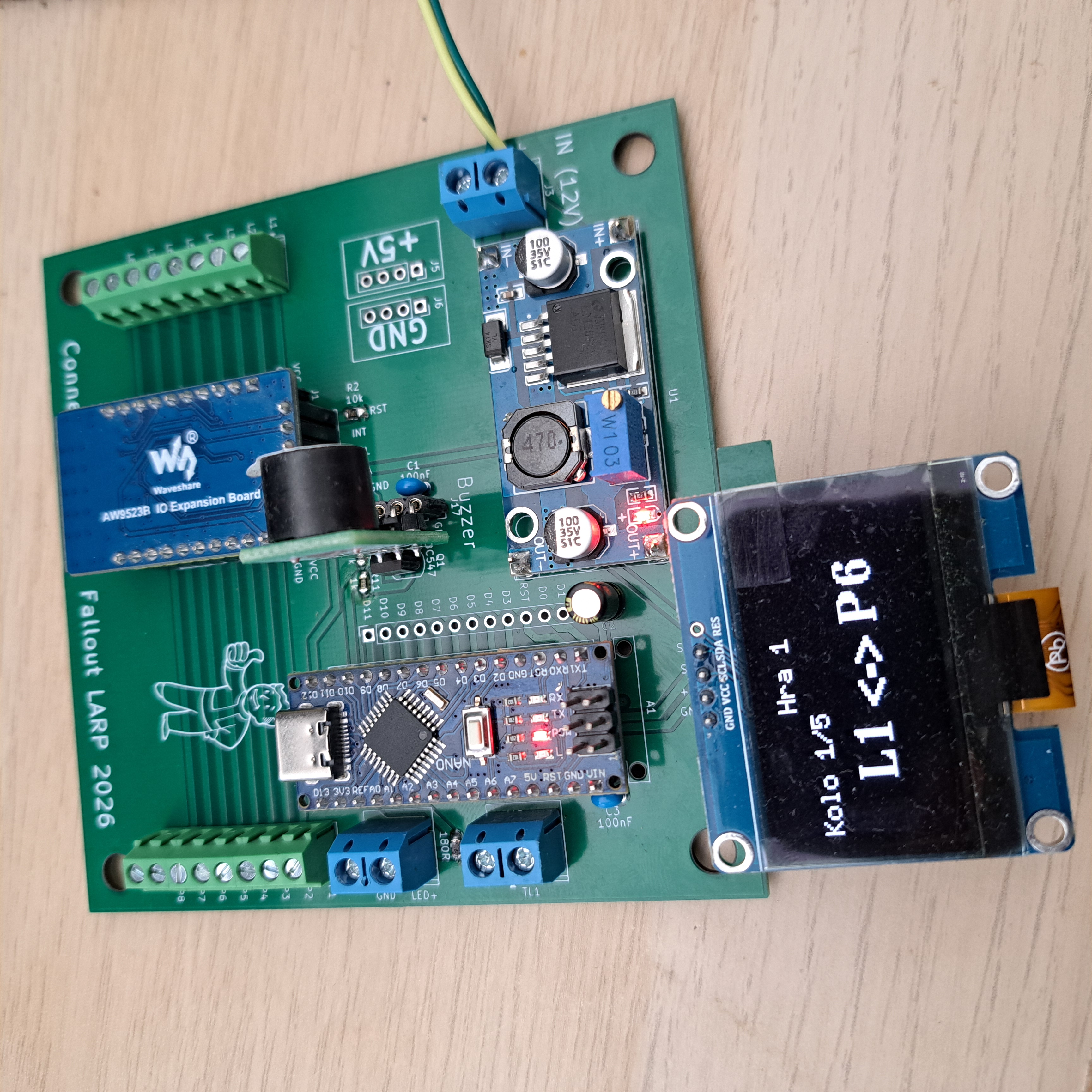
Complete the sequence in time, and you get the reward:
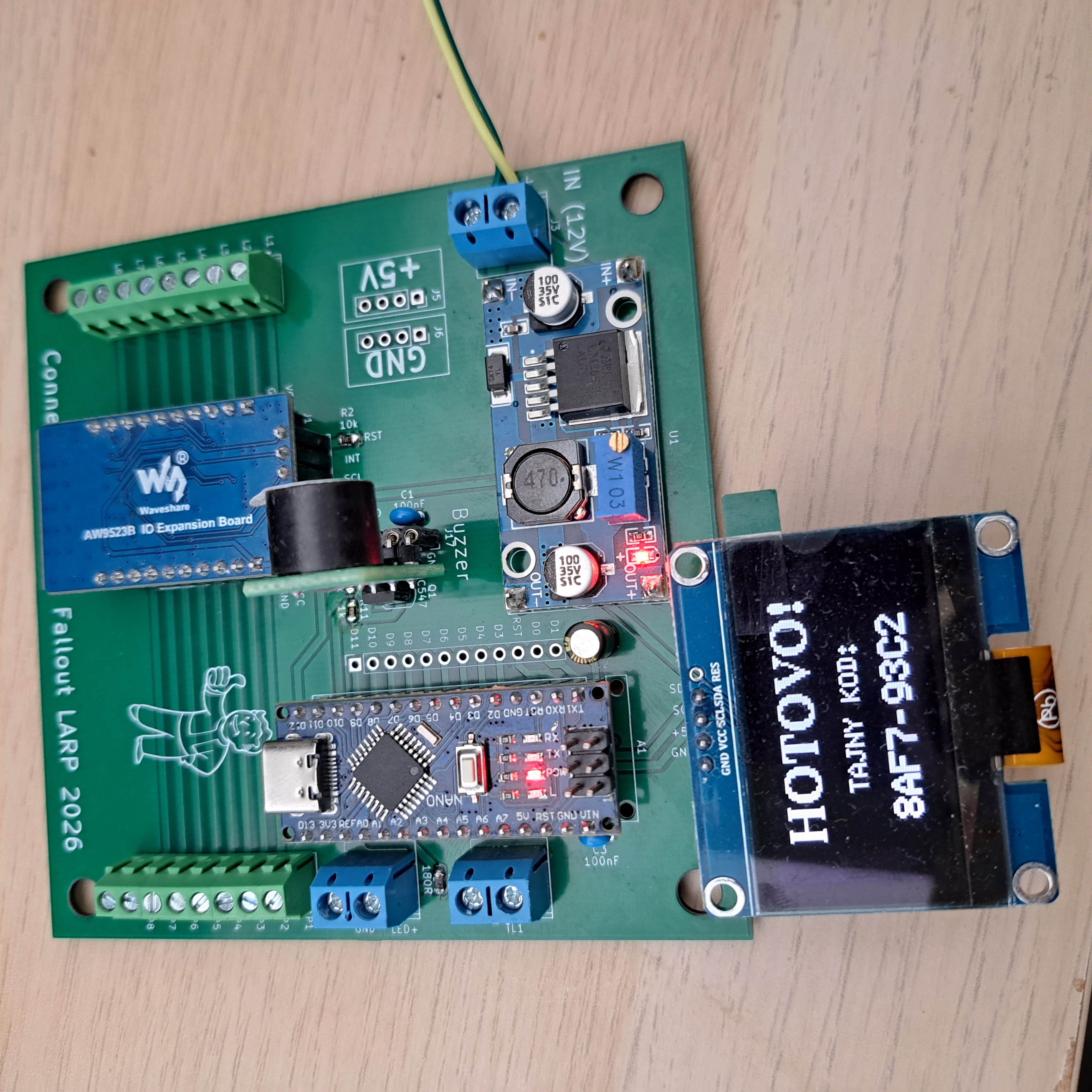
Mode 2: The Logic Puzzle
Personally, I think I like Game 2 more. It’s less about stress and more about “detective work.” The player has multiple wires and must figure out the correct configuration from external clues (like a hidden manual or a terminal entry somewhere else in the room).
The display doesn’t tell you what to do anymore. It only shows your progress:
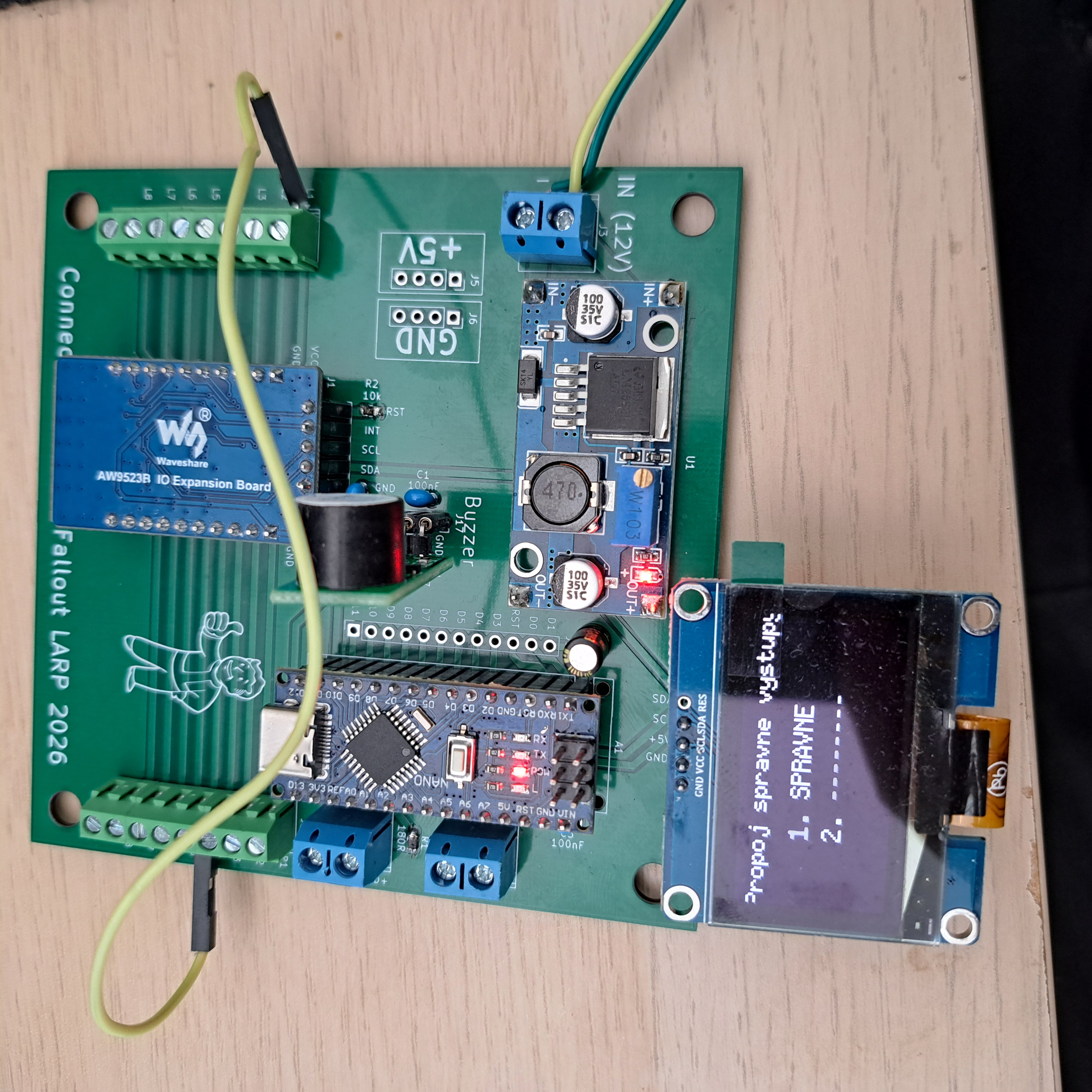
As you plug in the wires correctly, it checks them off. Once the full patch is complete…
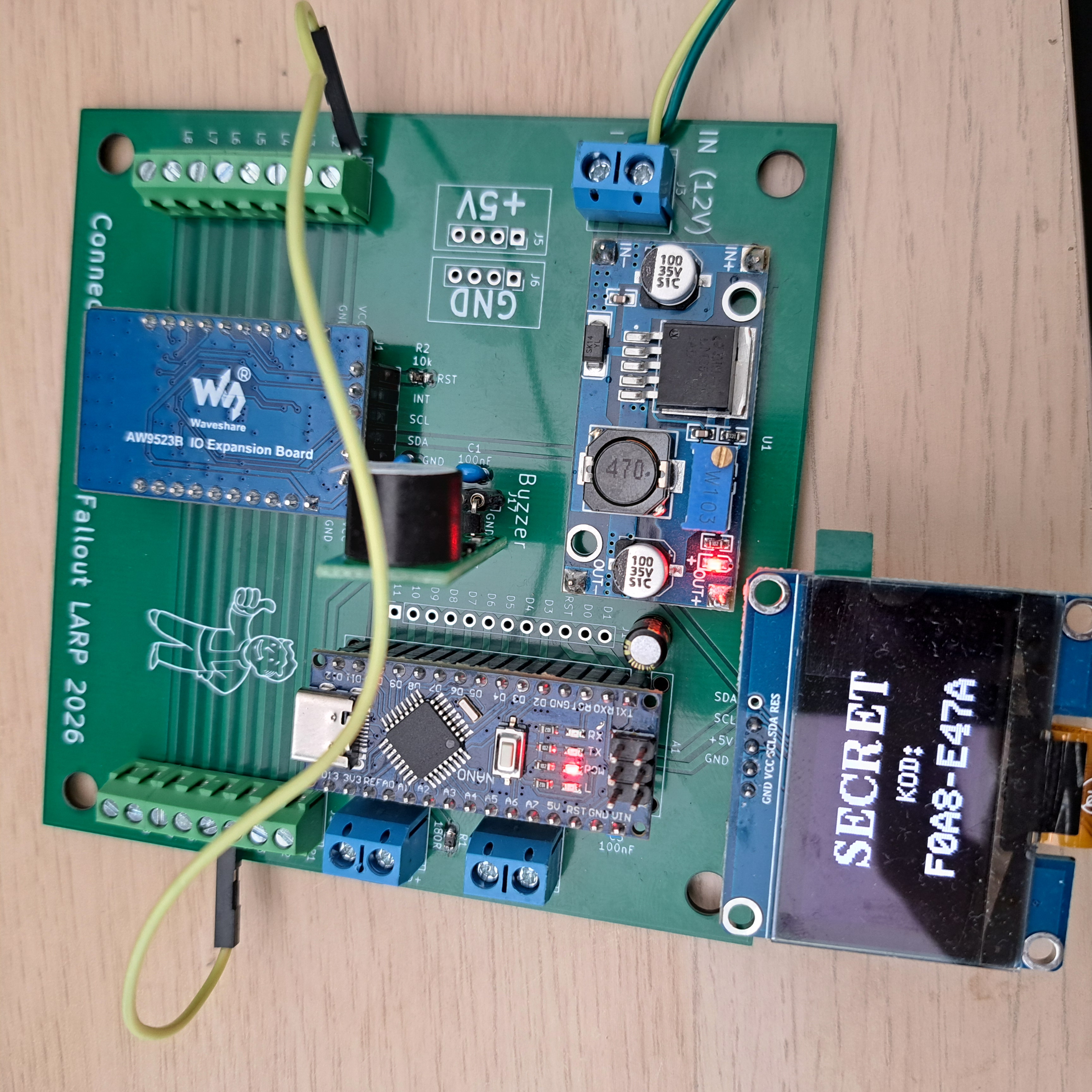
👉 BOOM. Secret revealed.
Under the Hood (and Beyond)
The heart of the beast is an Arduino Nano paired with an AW9523B GPIO expander to handle all those connection points. Everything is squeezed onto the Rev 1.2 PCB we talked about last time.
I also made sure the board is “future-proof” (or just hackable). I’ve broken out headers for most of the GPIO pins, plus 5V and GND. If anyone wants to fork this and add a magnetic lock, a smoke machine, or a self-destruct countdown — feel free to do so.
Final Thoughts
This was honestly more challenging than I expected. What started as a “simple breakout board” turned into a lesson about power signal noise, transistor switching, and UI design on tiny OLEDs. But man, it was fun.
The full project, including KiCad files, Gerbers, and the firmware, is now live on my GitHub.
This is it for the Connect Game. Stay tuned for more projects!