Homelab Continues
Since my last post, I’ve been slowly getting back into my projects whenever I had the time and energy — and luckily, the homelab is one of them.
Over the past few weeks, I’ve made some solid progress towards personal digital autonomy. Not aiming for total independence — that’s simply not worth the effort — but I do enjoy the challenge, so I’ll take it as far as it makes sense.
Syncthing Lessons Learned
Let’s start with something that gave me a lot of headaches.
After quite a bit of frustration with Syncthing, I finally figured out why some directories refused to sync or back up properly.
The issue? Folder nesting.
You simply cannot sync a folder into its own subdirectory (or create recursive backup paths). Sounds obvious when you say it out loud… but in practice, it’s not always easy to spot.
Lesson learned.
Docker Management with Portainer
To make managing Docker a bit more user-friendly, I added Portainer.
Not everything needs to be done via the terminal — and honestly, this is just convenient.
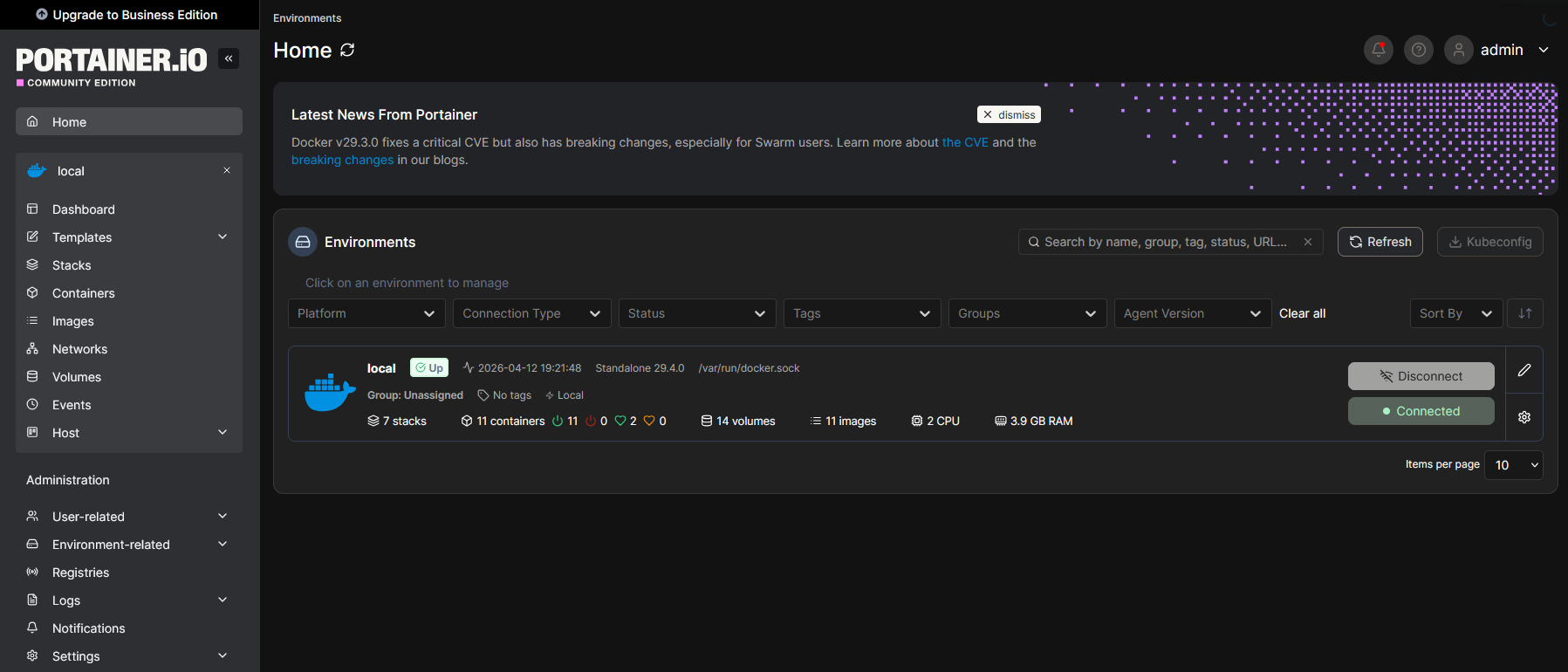
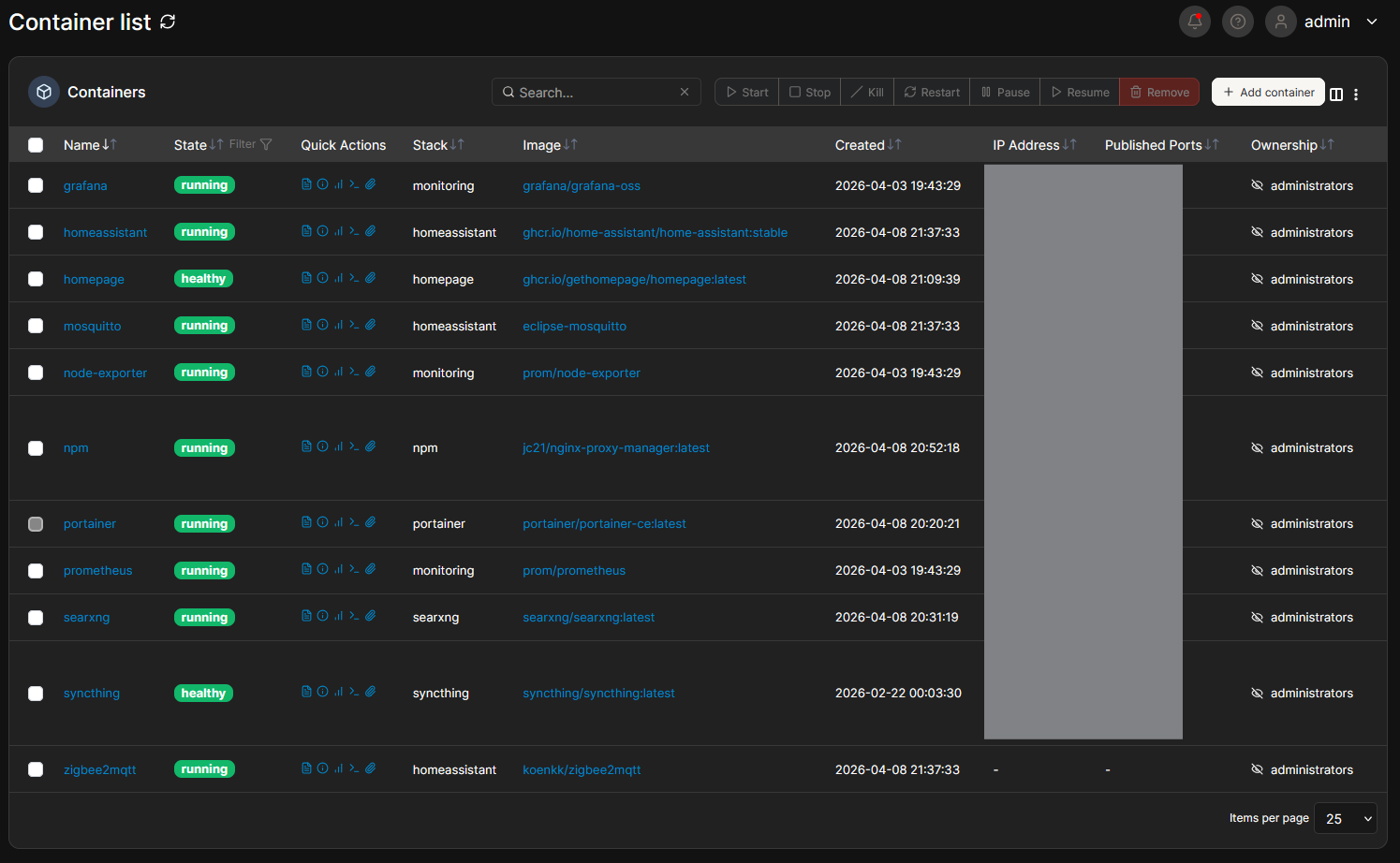
At this point, I’m running seven different stacks, which I’m actually quite proud of.
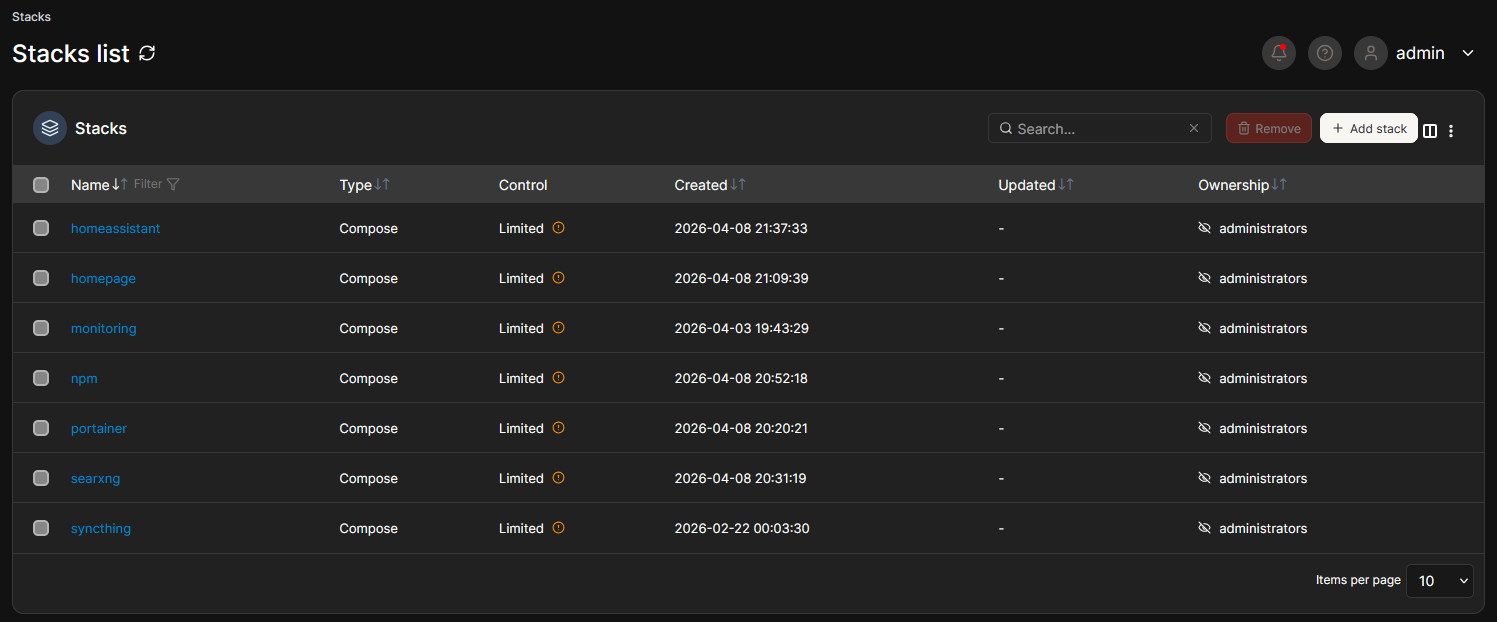
And of course, a full overview of containers and their statuses:
Homepage Dashboard
To make navigating all these services easier, I set up a homepage dashboard.
After a fair bit of wrestling with YAML and TOML configs, I finally got it into a state I’m happy with.
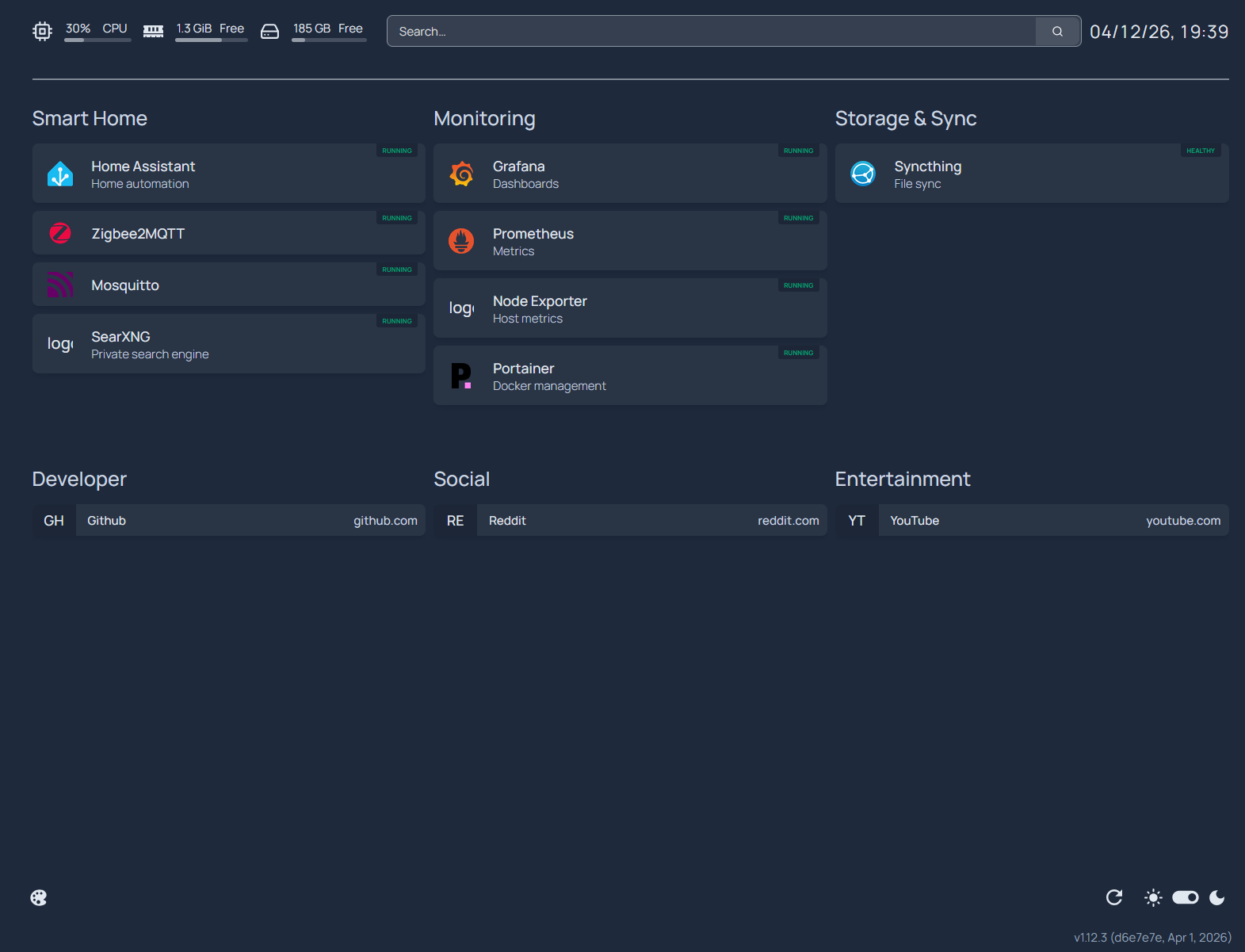
Fun detail: getting European date and time format working properly took way longer than I expected.
But if you wonder how, this is how, together with SearXNG setup and a little help from nginx:
1
2
3
4
5
6
7
8
9
10
11
12
13
14
15
16
17
18
19
20
# For configuration options and examples, please see:
# https://gethomepage.dev/configs/info-widgets/

- resources:
    cpu: true
    memory: true
    disk: /host_home

- search:
    provider: custom
    url: "http://search.local/search?q=%s"

- datetime:
    format:
      day:  "2-digit"
      month: "2-digit"
      year: "2-digit"
      hour: "2-digit"
      minute: "2-digit"
      hour12: false
Nginx Proxy Manager (NPM)
Typing IP:PORT into a browser over and over again gets old very quickly.
So I finally gave in and deployed Nginx Proxy Manager.
👉 https://nginxproxymanager.com/
The setup was… a mix of easy and tricky. Each service needed slightly different configuration, so there was quite a bit of trial and error. But in the end, everything came together nicely. Only downside was manualy adding new mDNS names to every container docker-compose.yaml file.
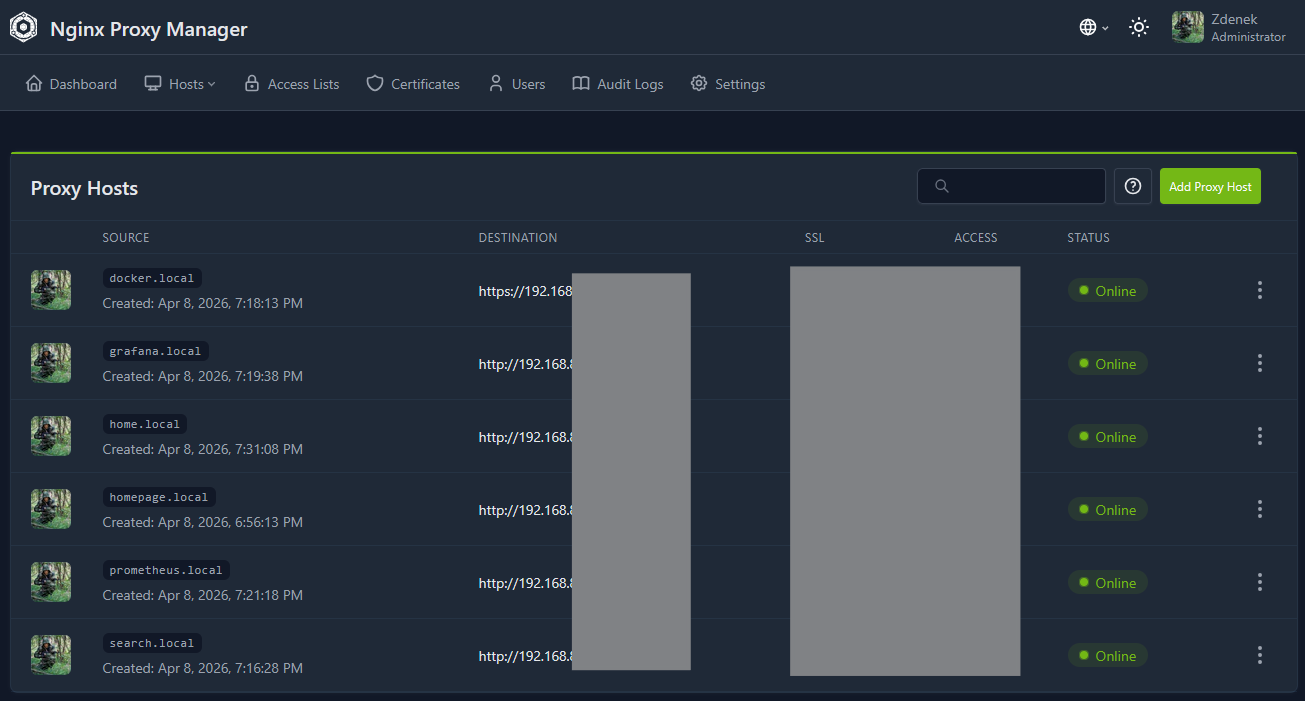
Now I can access my services via clean local domains instead of remembering ports.
SearXNG — My New Favorite Toy
And finally, probably my favorite addition so far: SearXNG.
A self-hosted search engine.
It feels surprisingly good to search the web without being constantly tracked and profiled by big tech companies. Installation was straightforward, with only minor configuration needed.
Combined with Nginx Proxy Manager, I now have my own: search.local
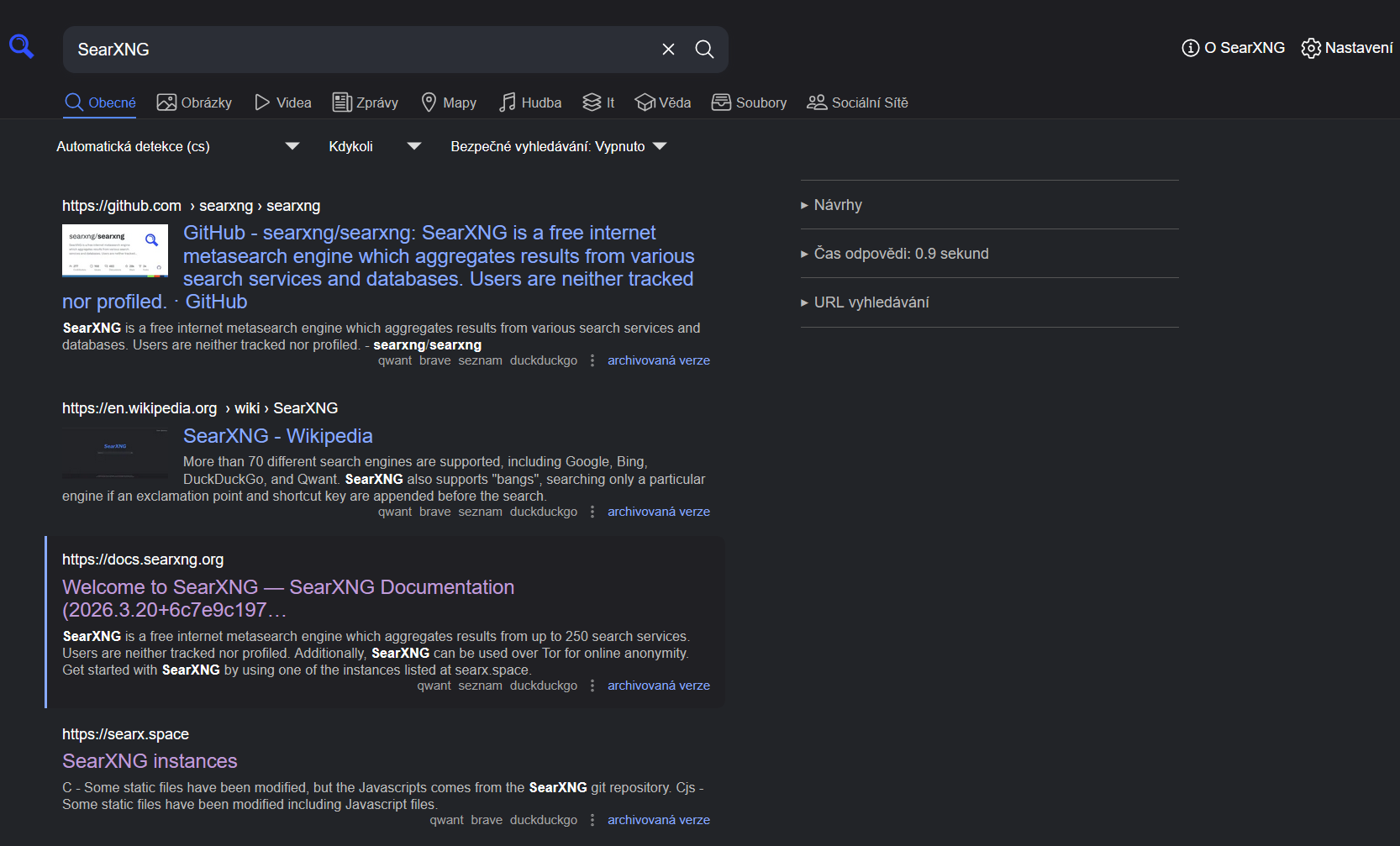
Even better — Firefox allows adding custom search engines, so I can use it directly from the address bar.
What’s Next?
Things are starting to come together quite nicely. As for sotware side Im quite satisfied as of now, Im plannig on expanding my syncthing backups. Also Im closely watching the NextCloud/Euro-Office initiative and I will test when its ready and somewhat mature.
Next steps will likely include:
- adding SSD storage for redundancy
- setting up some form of RAID1
- improving backup strategy
- and eventually moving towards a 19” rack setup (if the finance department approves 😄)
That’s it for now.
The homelab is slowly evolving into something actually useful — and I’m enjoying the process quite a bit.
Stay tuned.