Homelab Beginnings
After a bit of a long silence, I’m finally back to writing here again.
Over the past months there were quite a few global events and some personal things that kept me busy, so I simply didn’t have the time or mental bandwidth to keep documenting my projects. Fortunately, that period is now behind me — and I want to get back to documenting my experiments and progress again.
One of the things I started building recently is a small homelab server.
The Hardware
The core of the system is the ASRock N100M motherboard with an Intel N100, paired with a small mITX power supply. Everything currently lives inside a Lian Li A3-mATX Black case.
The funny thing is that I originally bought this case specifically because it supported the power supply I wanted to use. After assembling everything though, I realized the case is actually much larger than I really need for this build.
In the future, once I move more of my infrastructure into a 19” rack, I plan to rebuild the whole system into a 2U Shuttle-style rack case instead.
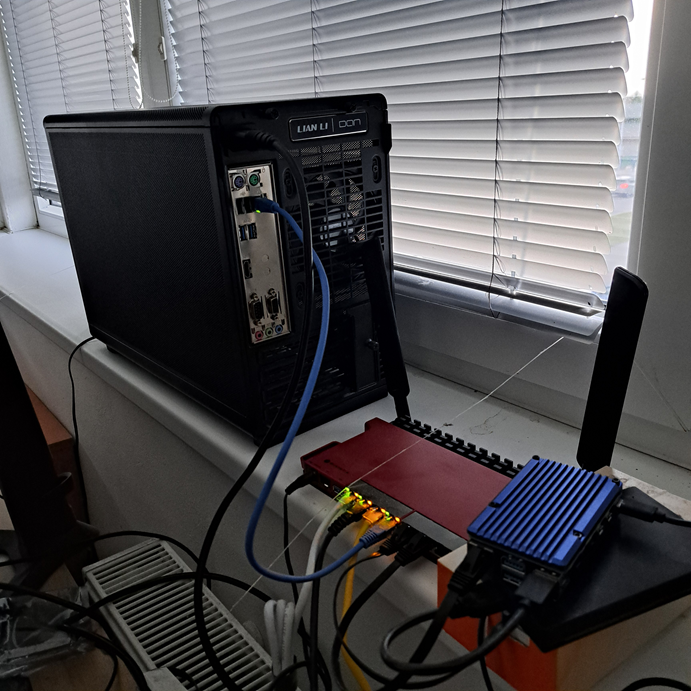
Another thing I really appreciate about the Intel N100 platform is the passive cooling. The motherboard comes with a large heatsink and no fan at all, which means the system is completely silent. In fact, I often forget it’s even running.
For a small always-on server, that’s a very nice feature.
Base System
The software setup was straightforward.
I quickly installed Debian Linux, followed immediately by Docker so I could keep everything modular and easy to maintain.
The first services running in containers were:
- Syncthing
- Grafana
- PrometheusDB
This already gives me the basics I need: file synchronization and system monitoring.
Monitoring (Because Graphs Are Cool)
Prometheus collects metrics and Grafana visualizes them.
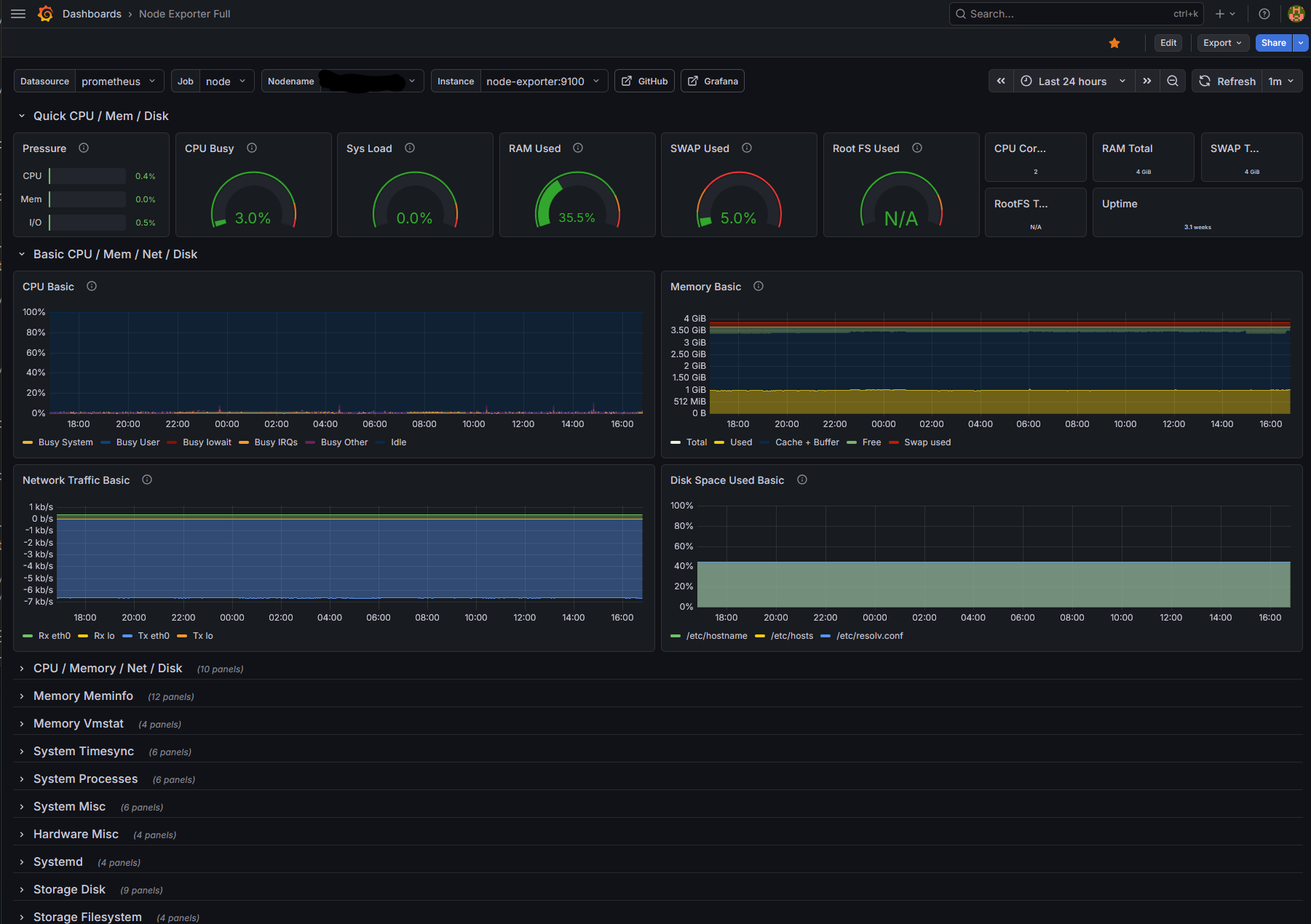
Sure… I could probably monitor most of this with btop directly in the terminal.
But let’s be honest — Grafana dashboards simply look much nicer. ^_^
Syncing My Digital Life
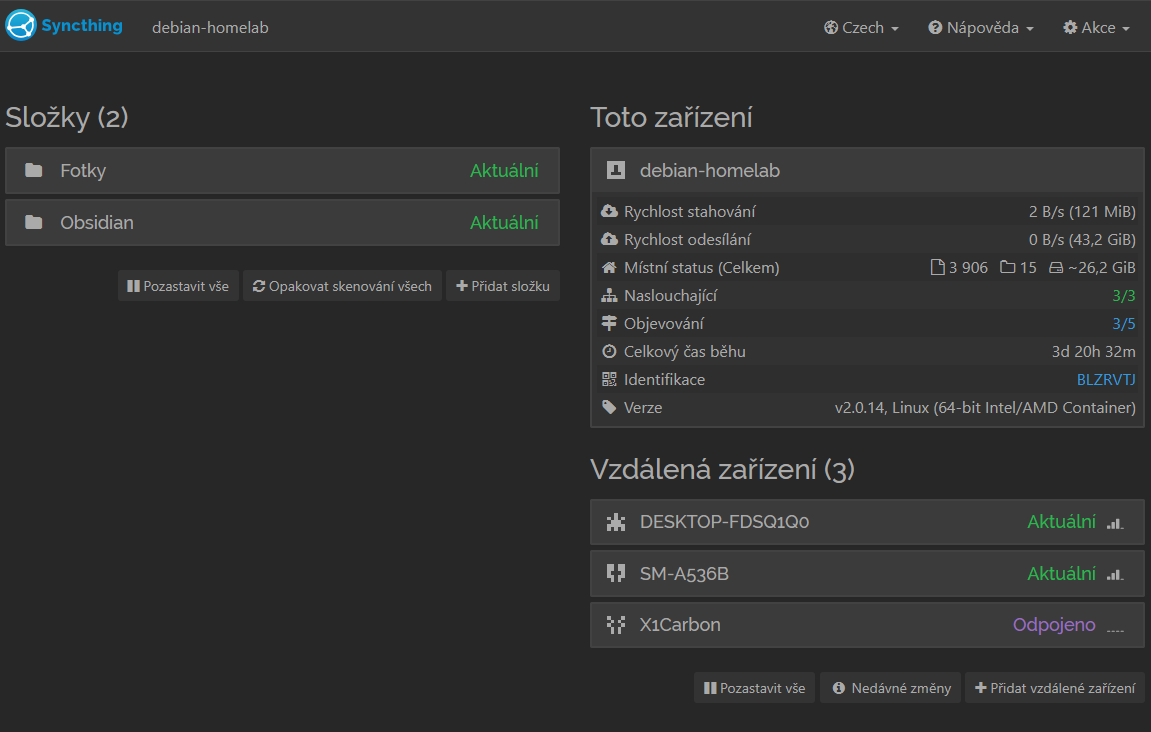
Another essential service in this setup is Syncthing.
I use it to synchronize files between my main PC, my laptop, and my phone. The most important part of that setup is keeping my Obsidian notes synced everywhere.
That way my notes are always available, automatically backed up, and not dependent on any cloud provider.
Power Consumption
One of the reasons I chose the Intel N100 platform is its very low power consumption.
Since this machine is supposed to run 24/7, efficiency matters. The N100 has a very modest TDP, and the entire system idles at only a few watts, making it ideal for a small homelab node.
Low power usage, passive cooling, and decent performance make it a surprisingly capable little server.
What’s Next?
This is only the very beginning of this homelab.
Next steps will likely include:
- adding more monitoring
- experimenting with additional self-hosted services
- and eventually moving everything into a proper rack setup
So expect more updates as this little server slowly evolves into something bigger.
Stay tuned.